
You want to create a token on Solana or launch a token on Base. Maybe you have searched for tutorials and found pages of complex documentation. Maybe you started learning Rust or Solidity and gave up. There is a better way.
This guide shows you exactly how to create a crypto token with no code using Solbase. The entire process takes about 60 seconds. By the end, you will have a live token with a contract address you can share with the world.
What You Need Before You Start
A Compatible Crypto Wallet
You need a wallet to interact with the blockchain. For Solana tokens, use Phantom, Solflare, Coinbase Wallet, or Backpack (other Wallet Standard wallets are detected automatically). For Base tokens, use a regular (EOA) wallet such as MetaMask, the Coinbase Wallet app or extension, Phantom, Rainbow or Rabby; smart-contract wallets like Base Account or Safe can't deploy a token contract.
If you do not have a wallet yet, download one from the official website. Phantom is the most popular Solana token creator wallet. MetaMask is the standard for Base and other EVM chains. Installation takes just a few minutes.
A Small Amount of Crypto for Fees
Token creation requires paying a small fee. For Solana, plan on about 0.03 SOL all-in: the flat 0.01 SOL Solbase platform fee, Metaplex's metadata fee of about 0.01 SOL (paid to Metaplex, not Solbase), roughly 0.009 SOL in account rent deposits, and a tiny network fee. For Base, you need the flat 0.001 ETH platform fee plus a little extra for gas, which is typically a few cents.
You can purchase SOL or ETH from exchanges like Coinbase, Kraken, or Binance. Transfer the funds to your wallet before starting. The platform fee and an estimated total display on screen before you confirm any transaction.
Your Token Details Ready to Go
Before you begin, decide on your token details. You will need a token name like "Community Coin" and a symbol like "COMM" that is typically three to six characters. You also need to choose your total supply, which is how many tokens will exist. The supply must be a whole number between 1 and 1 trillion.
For a Solana token, you also need a logo image. PNG, JPG, WebP, and GIF files are accepted and are automatically cropped to a square. You can also add a description and links to your website, X, Telegram, and Discord. Base tokens only need a name, symbol, and supply, because ERC-20 tokens do not store a logo or links on-chain. Having these ready makes the process faster.
Step by Step Guide to Creating Your Token
Follow these five steps to launch your token. The entire process takes about 60 seconds once you have everything prepared.
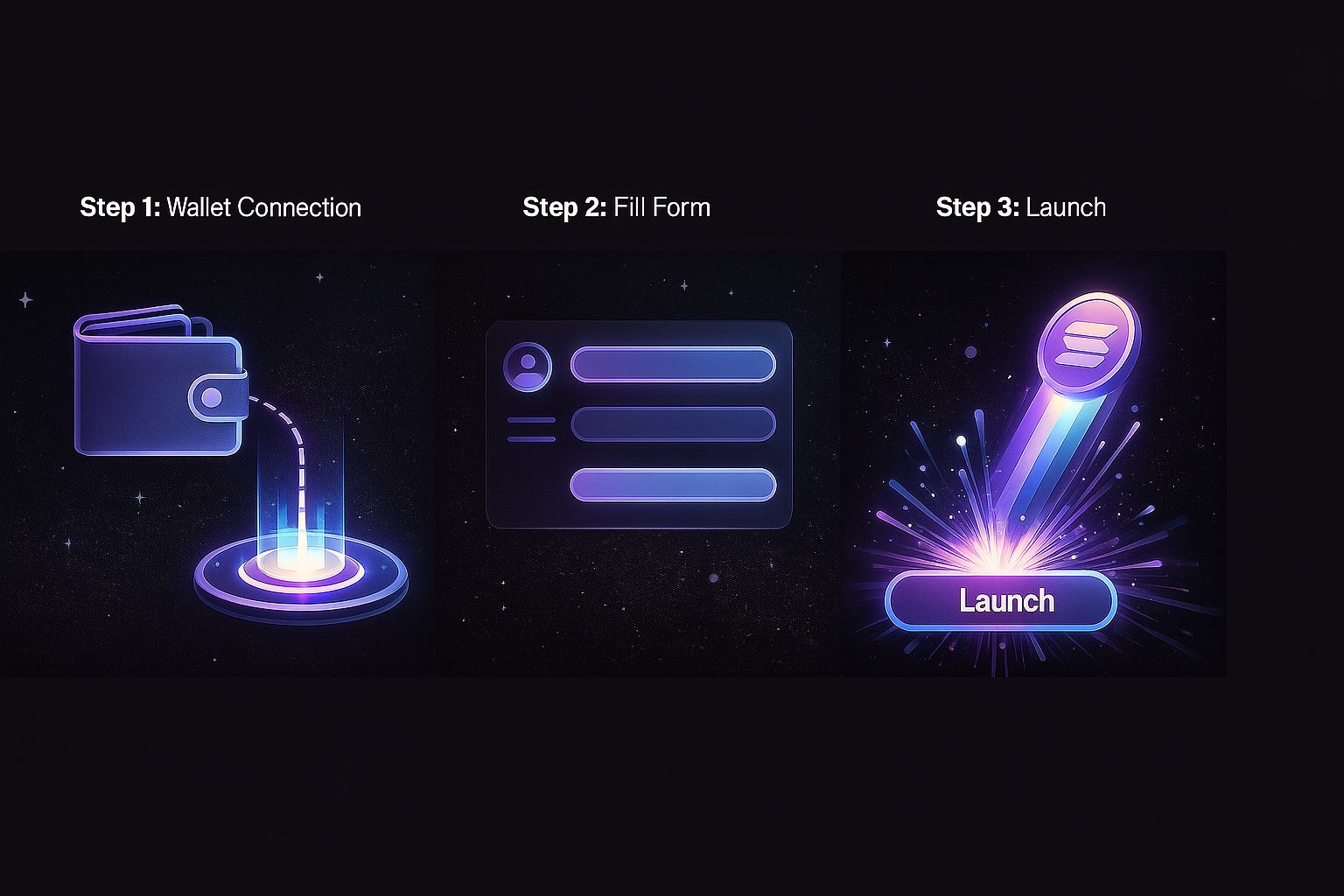
Step 1 Choose Your Blockchain
Go to solbase.app and click the "Launch Token" button. On the launch form, select either Solana or Base for your token deployment. Solana offers extremely fast transactions and very low fees. Base provides access to the Ethereum ecosystem with reduced gas costs.
Your choice depends on where your community is and what ecosystem you want to build in. The Solbase token creator works the same way for both chains. You can even create tokens on both if you want presence in multiple ecosystems.
Step 2 Connect Your Wallet
Click the connect button in the launch form, or the one in the top navigation. A wallet connection window appears. Select your wallet from the list of options.
Your wallet will ask you to approve the connection. Click approve or confirm. You should now see your wallet address displayed on the Solbase interface. This confirms you are connected and ready to continue.
Step 3 Enter Your Token Details
Fill out the token creation form. Enter your token name, your token symbol, and your total supply.
On Solana, upload your logo, which is required, and fill in the optional description and social links if desired. Your logo and metadata are uploaded to IPFS and linked to your token. By default, Solbase revokes mint authority so your supply is permanently fixed, and you can choose to make your metadata immutable so it can never be changed. On Base, there is no logo upload because ERC-20 tokens store no logo on-chain. Review all fields carefully before moving forward.
Step 4 Review and Deploy
The screen now displays a summary of your token details along with the platform fee and an estimated total cost. Double check everything because your supply is permanently fixed by default, and the name and symbol can only be updated later on Solana if you left the metadata mutable.
Click the button to create your token when you are ready. Your wallet opens and asks you to approve a single transaction, which includes the platform fee. Confirm the transaction in your wallet. Wait for blockchain confirmation, which usually takes a few seconds on Solana and up to about 30 seconds on Base.
Step 5 Success and Next Steps
Congratulations. Your token is now live on the blockchain. The success screen displays your new token contract address. Copy this address and save it somewhere safe.
Click the explorer link to view your token on Solscan or Basescan. Every token also gets a public Solbase token page showing its on-chain details, which you can share with your community. Use the share buttons to announce your token on social media. Solana wallets usually show the new token automatically; on Base, wallets like MetaMask may need you to import it using the contract address from the success screen.
What to Do After Your Token is Live
Verify on Block Explorer
Always verify your token on the blockchain explorer after creation. For Solana tokens, check Solscan. For Base tokens, check Basescan. Confirm that the name, symbol, and supply match what you entered. Save the explorer link because you will share it often.
Add Liquidity to Enable Trading
Your token exists on the blockchain but is not tradeable yet. Trading requires liquidity on a decentralized exchange. For Solana, popular options include Raydium, Orca, and Meteora. For Base, most creators use Uniswap or Aerodrome.
Adding liquidity is a separate process with its own considerations and risks. Research liquidity provision carefully before proceeding. Solbase does not provide liquidity or list tokens on exchanges, so this step happens directly on the exchange you choose.
Share and Build Your Community
Announce your new token on X, Discord, Telegram, and other platforms where your community gathers. Share the contract address and explorer link so people can verify the token themselves. Help others add the token to their wallets by providing clear instructions.
Common Questions About Token Creation
Do I need any coding knowledge?
No. Solbase handles all technical aspects automatically. You fill out a form and click deploy. The platform manages smart contract deployment, metadata storage, and everything else behind the scenes.
How much does it cost to create a token?
Solbase charges a flat platform fee of 0.01 SOL per Solana token or 0.001 ETH per Base token, with no percentage fee. You also pay standard network costs. On Solana, that brings the total to about 0.03 SOL, including Metaplex's metadata fee and account rent deposits. On Base, gas is typically a few cents.
Can I create tokens on both Solana and Base?
Yes. Each deployment is separate and independent. You can use the same token name and symbol on both chains if you want. They will be distinct tokens with different contract addresses.
What if I make a mistake in my token details?
Your supply is fixed after deployment (on Solana, unless you chose to keep mint authority), and a Base token's name and symbol are permanent. On Solana, metadata is mutable by default, so your wallet can update the name, symbol, or logo later with standard tools unless you chose to make it immutable. Always double check your name, symbol, and supply before confirming the transaction.
Is my token immediately tradeable?
Your token exists on the blockchain immediately after deployment. However, trading requires liquidity on a decentralized exchange. Without liquidity, people can hold your token but not buy or sell it.
Creating a token used to require developers, documentation, and days of work. With Solbase, you can launch a token on Solana or Base in 60 seconds with zero coding knowledge. The process is simple, transparent, and accessible to everyone.
Ready to create your token? Launch your first token on Solbase today. Still deciding on a chain? Read Solana vs Base. Connect your wallet, fill out the form, and deploy. Your token will be live on the blockchain before you finish your coffee.